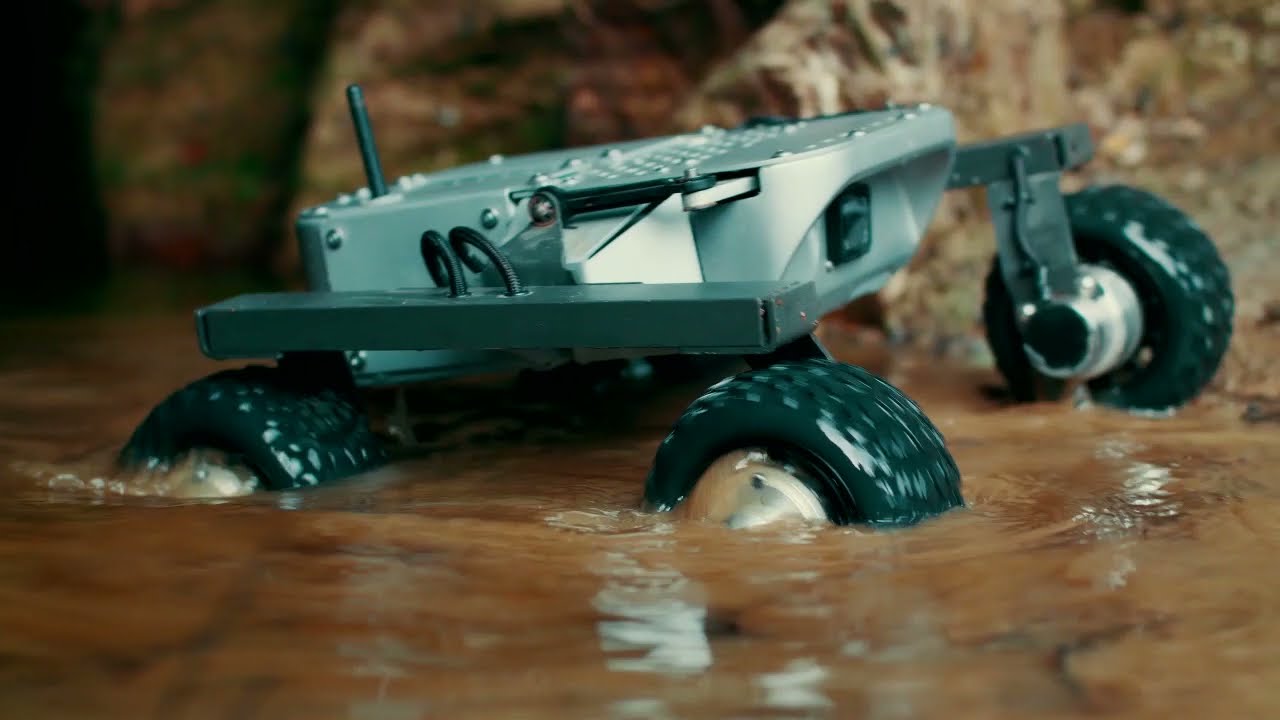
Autonomous Robot
Self-navigating robot using SLAM and path planning algorithms with real-time obstacle detection
Key Features
Interactive 3D structural breakdown of the LEO Rover.
SLAM
Simultaneous Localisation and Mapping utilising 2D/3D LiDAR fusion to construct high-fidelity spatial maps of unknown environments in real-time.
Autonomous Navigation
Dynamic path planning and robust obstacle avoidance algorithms ensuring seamless point-to-point traversal across complex terrain.
Computer Vision
Edge-deployed YOLOv8 inference enabling rapid object detection, semantic segmentation, and advanced environmental perception.
ROS2 Architecture
A decentralised, highly modular communication framework managing sensor data streams and autonomous state machines continuously.
Path Logging
Comprehensive telemetry recording system tracking odometry, executed paths, and obstacle metadata for post-mission kinematic analysis.
Product Showcase
Deep dive into the specialized hardware components used in our mobile autonomous systems.
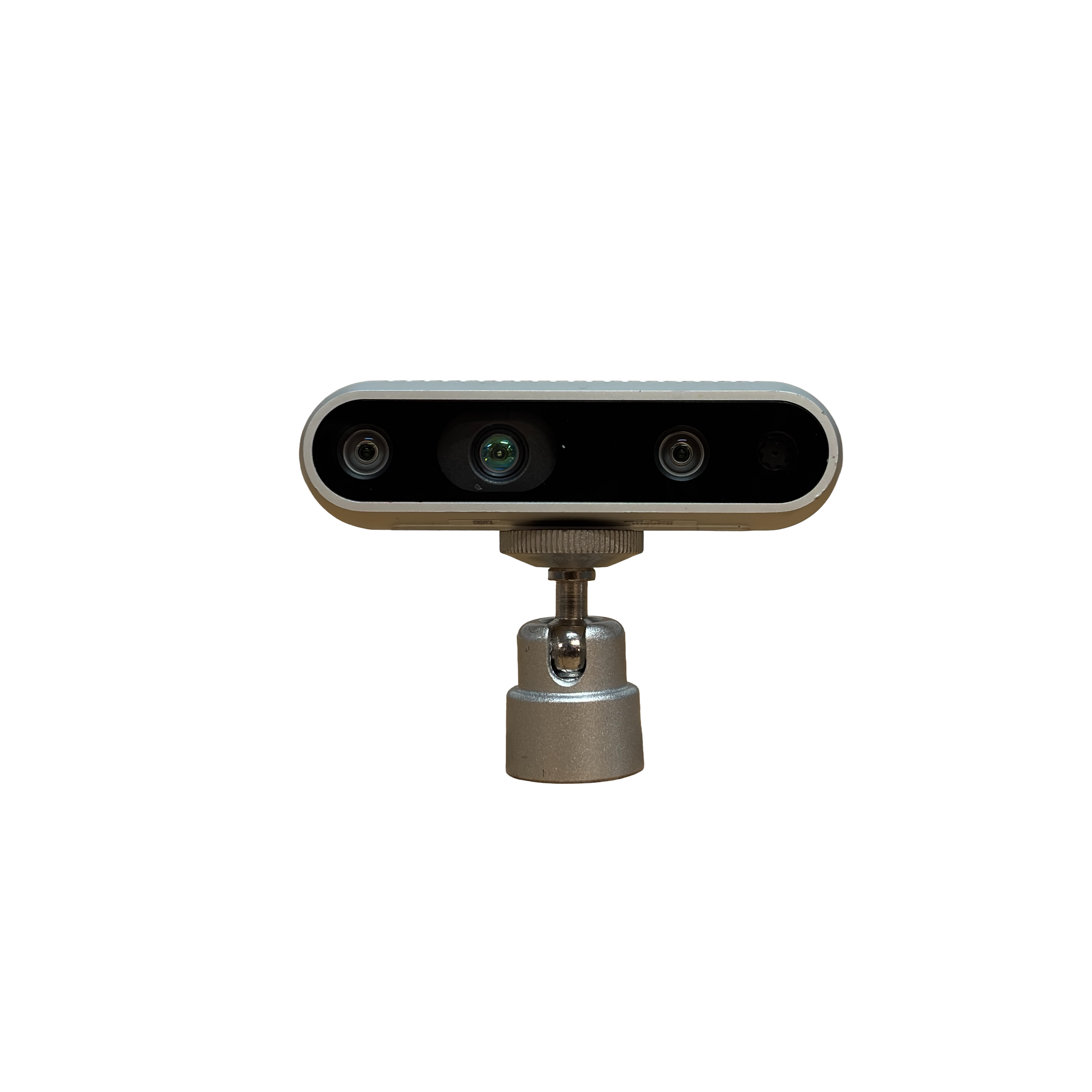
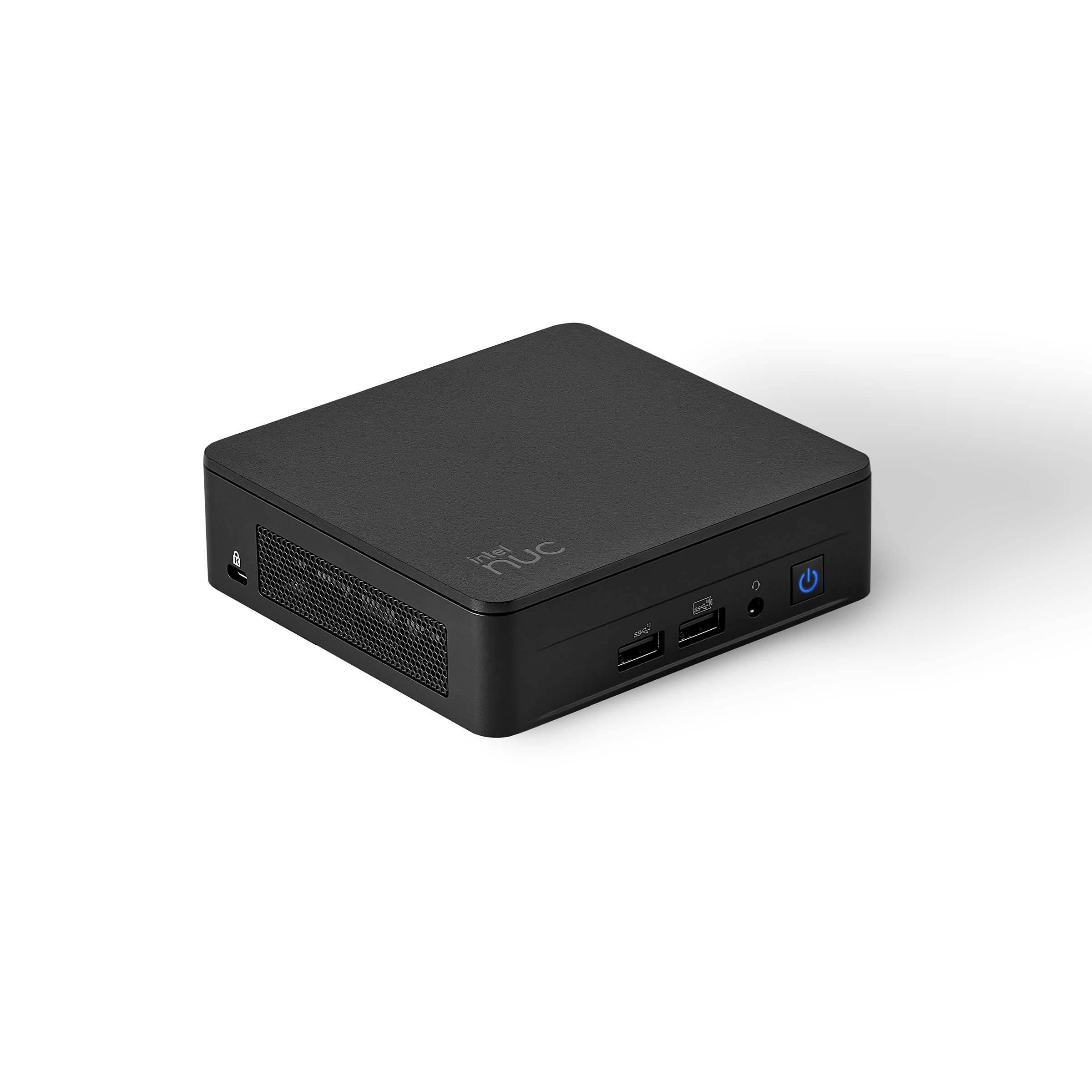
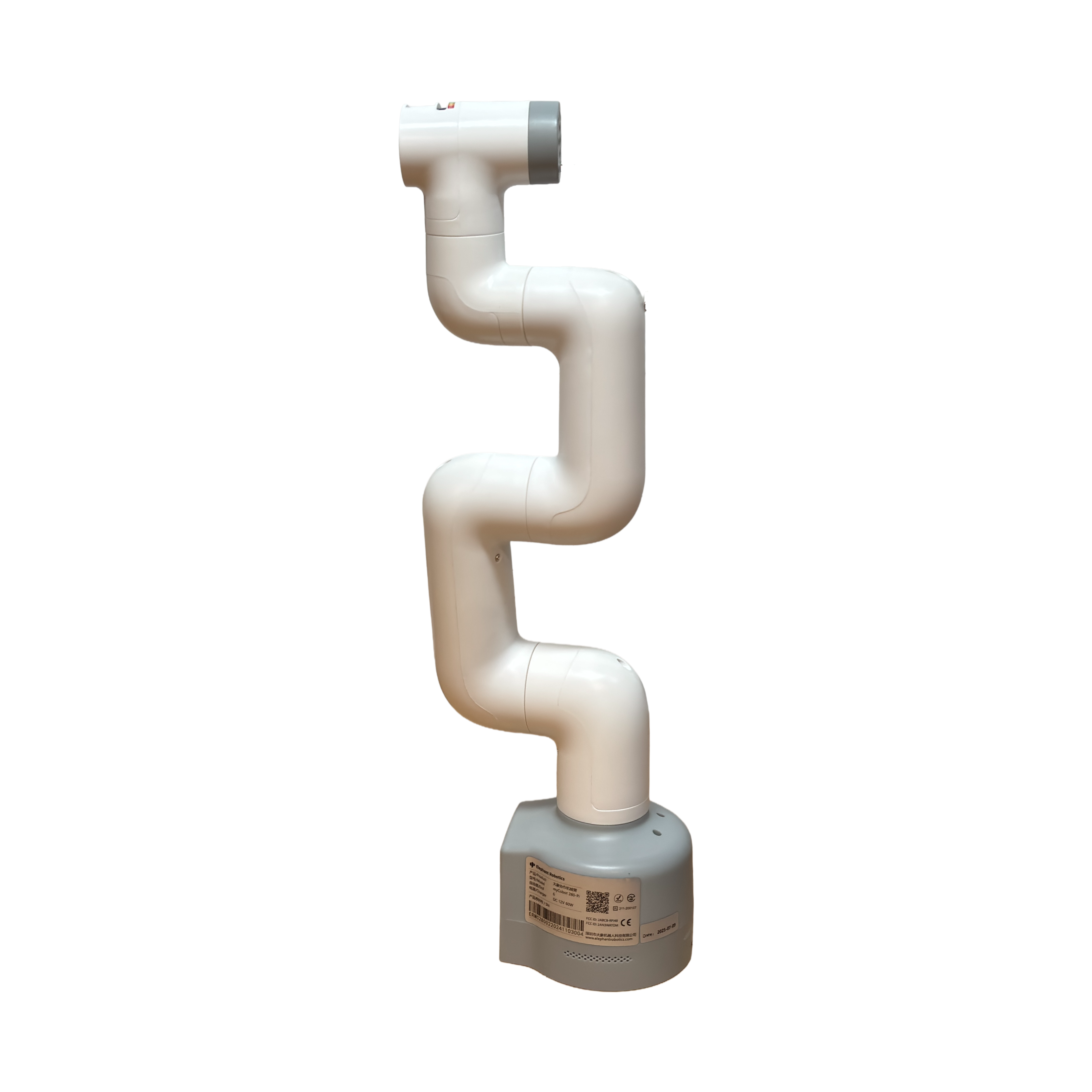
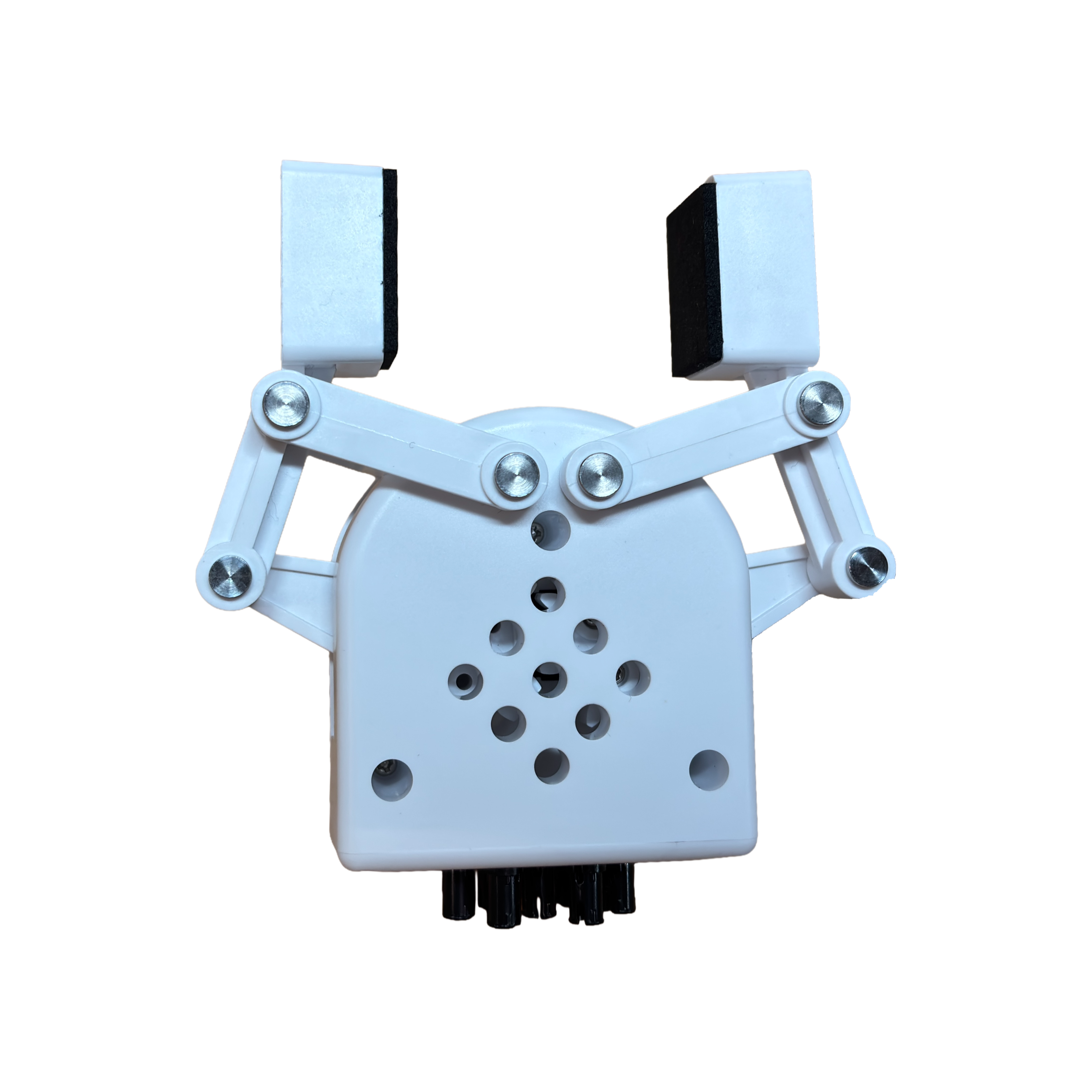
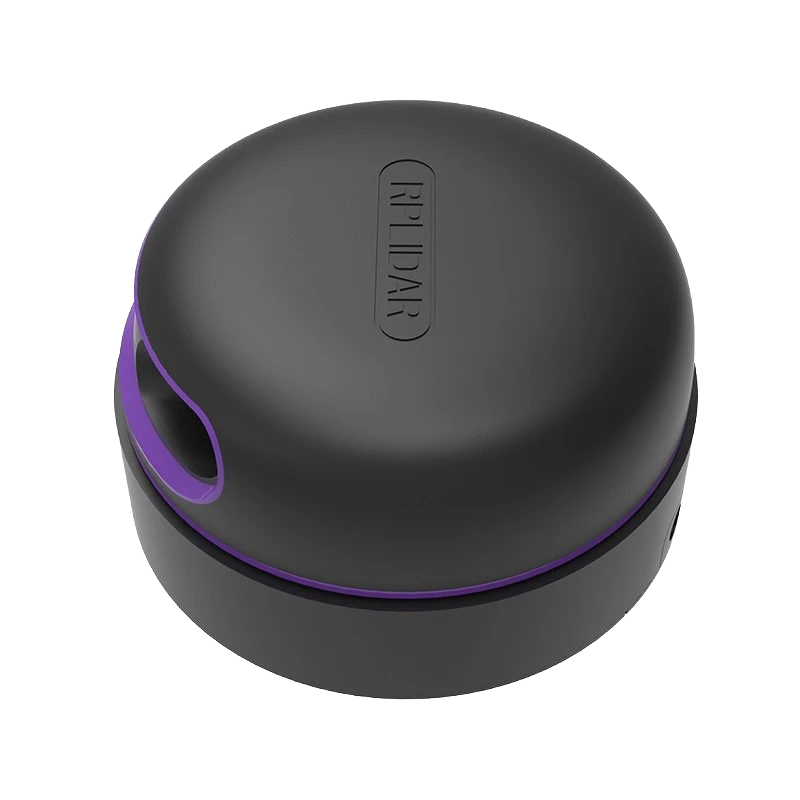
Hardware Module
RPLidar Sensor
A high-performance 360-degree laser range scanner. Provides the robot with precise spatial awareness and real-time mapping capabilities.
Design Files & CAD
Models, schematics, and assets.
Autonomous Mobile Robot Assembly
Source Code
Explore the primary logical modules.
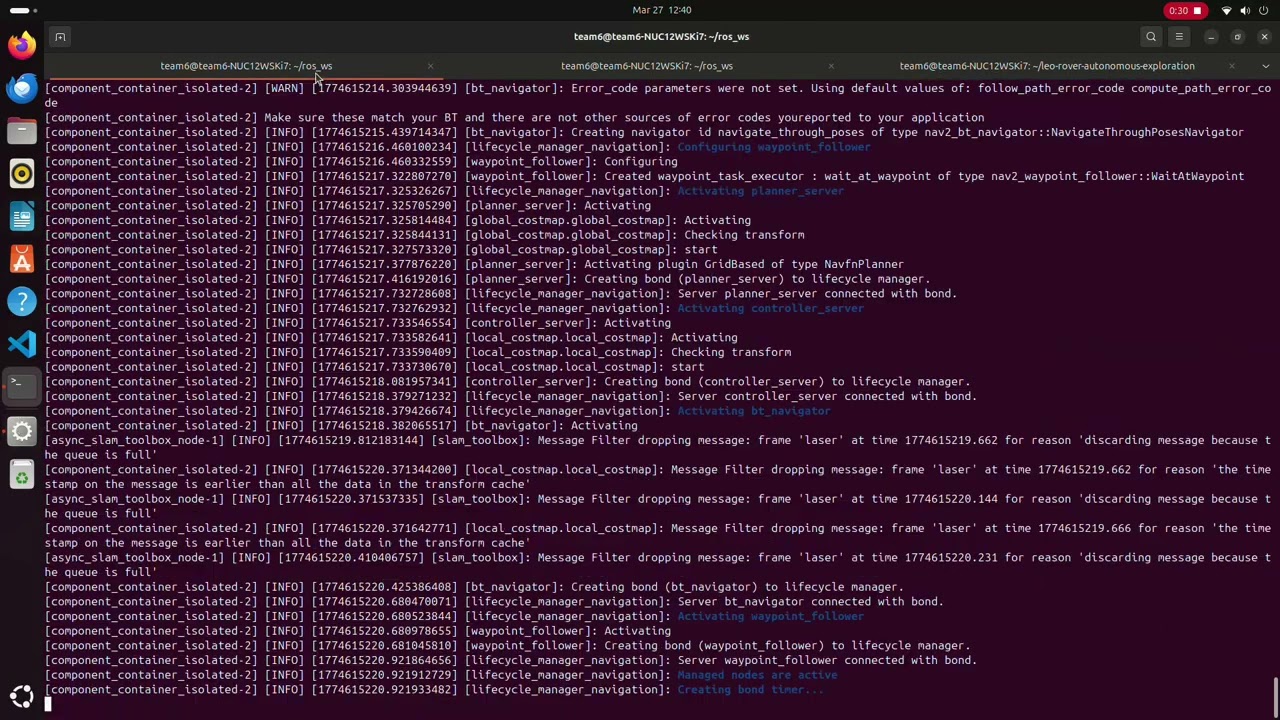
1import cv22import numpy as np3import pyrealsense2 as rs4from collections import deque5import time67# ==========================================8# CONFIGURATION9# ==========================================1011USE_REALSENSE = True # Set False for normal USB / Pi camera12ENABLE_TFLITE = False # Set True if using TensorFlow Lite (Jetson)1314# ==========================================15# REALSENSE SETUP (Leo Rover Compatible)16# ==========================================1718if USE_REALSENSE:19 pipeline = rs.pipeline()20 config = rs.config()21 config.enable_stream(rs.stream.color, 640, 480, rs.format.bgr8, 30)22 config.enable_stream(rs.stream.depth, 640, 480, rs.format.z16, 30)23 profile = pipeline.start(config)24 align = rs.align(rs.stream.color)25 depth_scale = profile.get_device().first_depth_sensor().get_depth_scale()26else:27 cap = cv2.VideoCapture(0)2829# ==========================================30# HSV COLOR RANGES (Lighting Robust)31# ==========================================3233COLOR_RANGES = {34 "red": [(0, 120, 80, 10, 255, 255),35 (170, 120, 80, 180, 255, 255)],36 "green": [(35, 80, 80, 85, 255, 255)],37 "blue": [(90, 80, 80, 130, 255, 255)],38 "yellow": [(20, 80, 80, 35, 255, 255)],39 "orange": [(10, 100, 100, 20, 255, 255)]40}4142# ==========================================43# DEPTH SMOOTHING44# ==========================================4546depth_buffer = deque(maxlen=5)4748# ==========================================49# SHAPE DETECTION50# ==========================================5152def detect_shape(contour):53 epsilon = 0.02 * cv2.arcLength(contour, True)54 approx = cv2.approxPolyDP(contour, epsilon, True)55 vertices = len(approx)5657 if vertices == 3:58 return "triangle"59 elif vertices == 4:60 x, y, w, h = cv2.boundingRect(approx)61 aspect = float(w) / (h + 1e-5)62 if 0.9 < aspect < 1.1:63 return "square"64 return "rectangle"65 elif vertices > 4:66 return "circle"67 return "unknown"6869# ==========================================70# MAIN LOOP71# ==========================================7273print("Leo Rover Dynamic Color Detection Running")7475try:76 while True:7778 # ===============================79 # Capture Frame80 # ===============================81 if USE_REALSENSE:82 frames = pipeline.wait_for_frames()83 aligned = align.process(frames)84 depth_frame = aligned.get_depth_frame()85 color_frame = aligned.get_color_frame()8687 if not depth_frame or not color_frame:88 continue8990 frame = np.asanyarray(color_frame.get_data())91 depth_image = np.asanyarray(depth_frame.get_data())92 else:93 ret, frame = cap.read()94 if not ret:95 break96 depth_image = None9798 # ===============================99 # Image Preprocessing100 # ===============================101 blurred = cv2.GaussianBlur(frame, (5,5), 0)102 hsv = cv2.cvtColor(blurred, cv2.COLOR_BGR2HSV)103104 detected_objects = []105106 # ===============================107 # Color Segmentation108 # ===============================109 for color_name, ranges in COLOR_RANGES.items():110111 mask_total = None112113 for (h1,s1,v1,h2,s2,v2) in ranges:114 lower = np.array([h1,s1,v1])115 upper = np.array([h2,s2,v2])116 mask = cv2.inRange(hsv, lower, upper)117 mask_total = mask if mask_total is None else mask_total + mask118119 # Noise Filtering120 kernel = np.ones((5,5), np.uint8)121 mask_total = cv2.morphologyEx(mask_total, cv2.MORPH_OPEN, kernel)122 mask_total = cv2.morphologyEx(mask_total, cv2.MORPH_CLOSE, kernel)123124 contours, _ = cv2.findContours(mask_total,125 cv2.RETR_EXTERNAL,126 cv2.CHAIN_APPROX_SIMPLE)127128 for contour in contours:129130 area = cv2.contourArea(contour)131 if area < 800:132 continue133134 shape = detect_shape(contour)135 if shape == "unknown":136 continue137138 x, y, w, h = cv2.boundingRect(contour)139140 M = cv2.moments(contour)141 if M["m00"] == 0:142 continue143144 cx = int(M["m10"] / M["m00"])145 cy = int(M["m01"] / M["m00"])146147 depth_m = 0148 if USE_REALSENSE:149 depth_m = depth_frame.get_distance(cx, cy)150 if depth_m <= 0:151 continue152153 detected_objects.append({154 "contour": contour,155 "color": color_name,156 "shape": shape,157 "depth": depth_m,158 "center": (cx, cy)159 })160161 # ===============================162 # Select Nearest Object163 # ===============================164 if detected_objects:165166 if USE_REALSENSE:167 target = min(detected_objects, key=lambda o: o["depth"])168 depth_buffer.append(target["depth"])169 depth_smooth = np.mean(depth_buffer)170 else:171 target = detected_objects[0]172 depth_smooth = 0173174 cx, cy = target["center"]175176 cv2.drawContours(frame, [target["contour"]], -1, (0,0,255), 3)177 cv2.circle(frame, (cx,cy), 6, (0,255,255), -1)178179 label = f"TARGET: {target['color']} {target['shape']}"180 depth_text = f"Depth: {depth_smooth:.2f}m"181182 cv2.putText(frame, label, (20,40),183 cv2.FONT_HERSHEY_SIMPLEX, 0.8, (0,0,255), 2)184185 if USE_REALSENSE:186 cv2.putText(frame, depth_text, (20,70),187 cv2.FONT_HERSHEY_SIMPLEX, 0.7, (0,255,255), 2)188189 # ===============================190 # Display191 # ===============================192 cv2.imshow("Leo Rover Color Detection", frame)193194 if cv2.waitKey(1) & 0xFF == ord('q'):195 break196197finally:198 if USE_REALSENSE:199 pipeline.stop()200 else:201 cap.release()202 cv2.destroyAllWindows()Live Simulation Output
Simulated console execution.
Project Walkthroughs
Click any video to play.
 Live
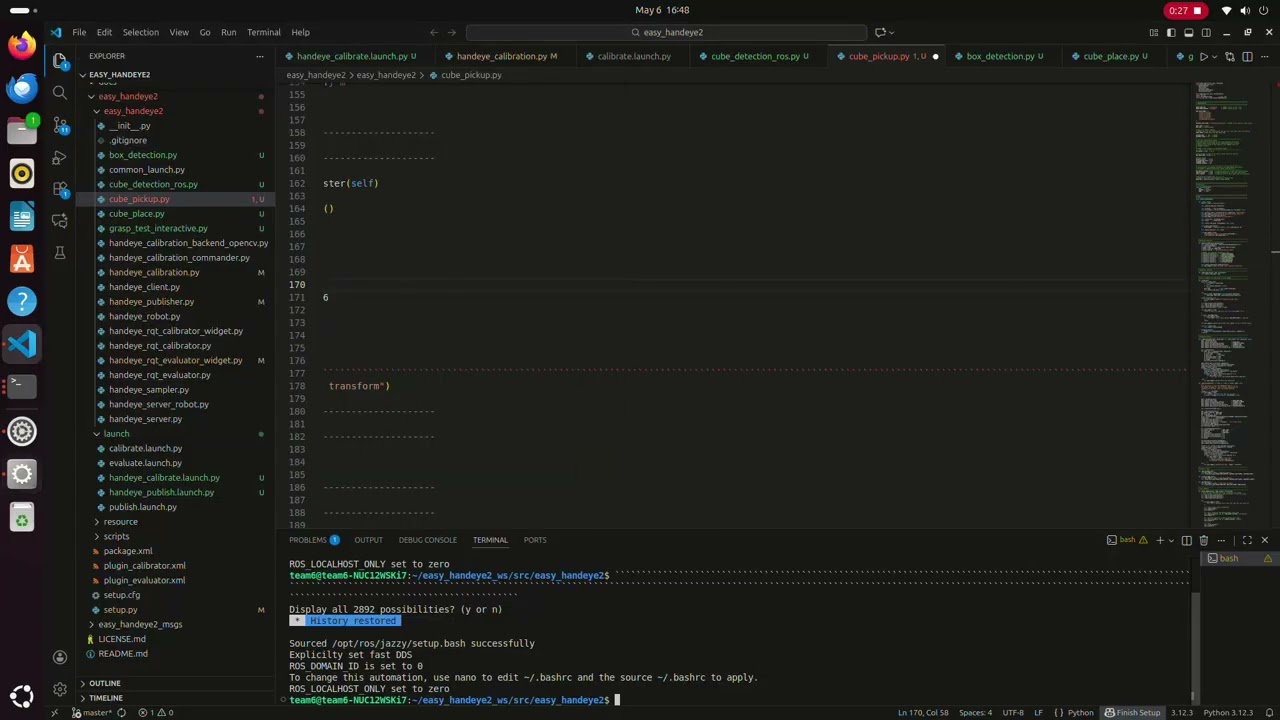
LivePerception System (Rover's PoV)
Object detection and LIDAR perception capabilities from the Rover's point of view.
 3:48
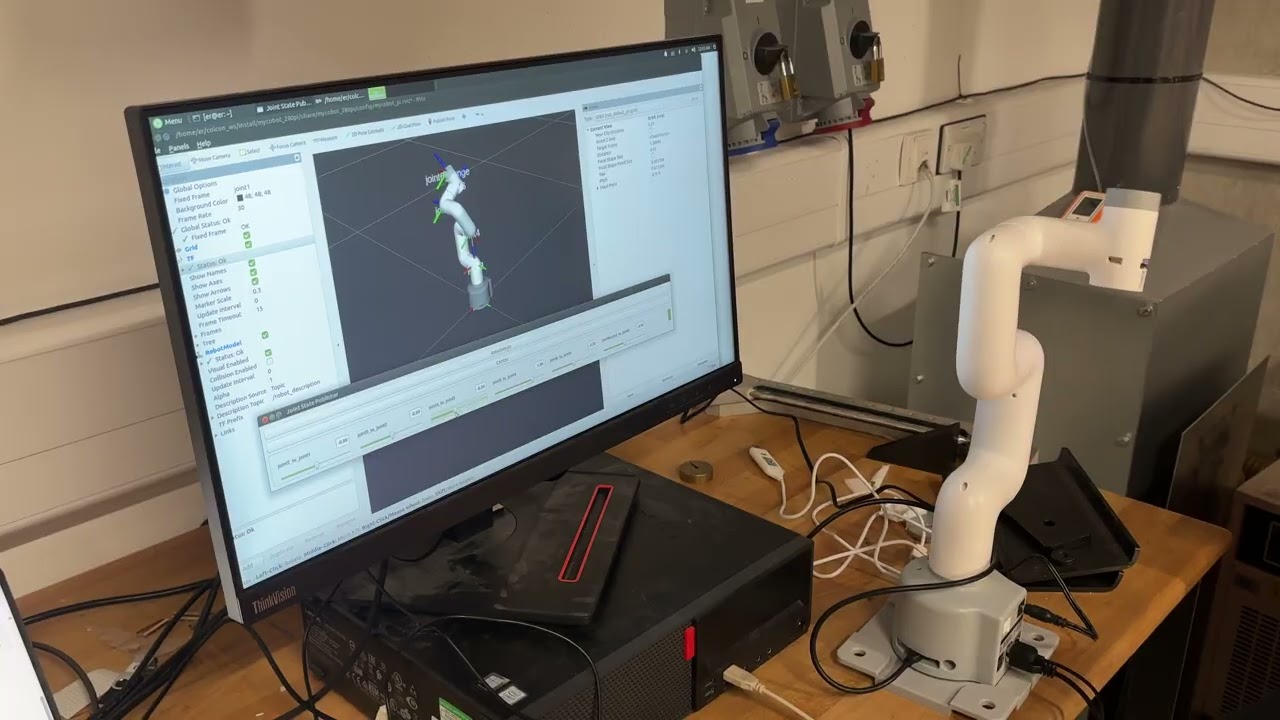
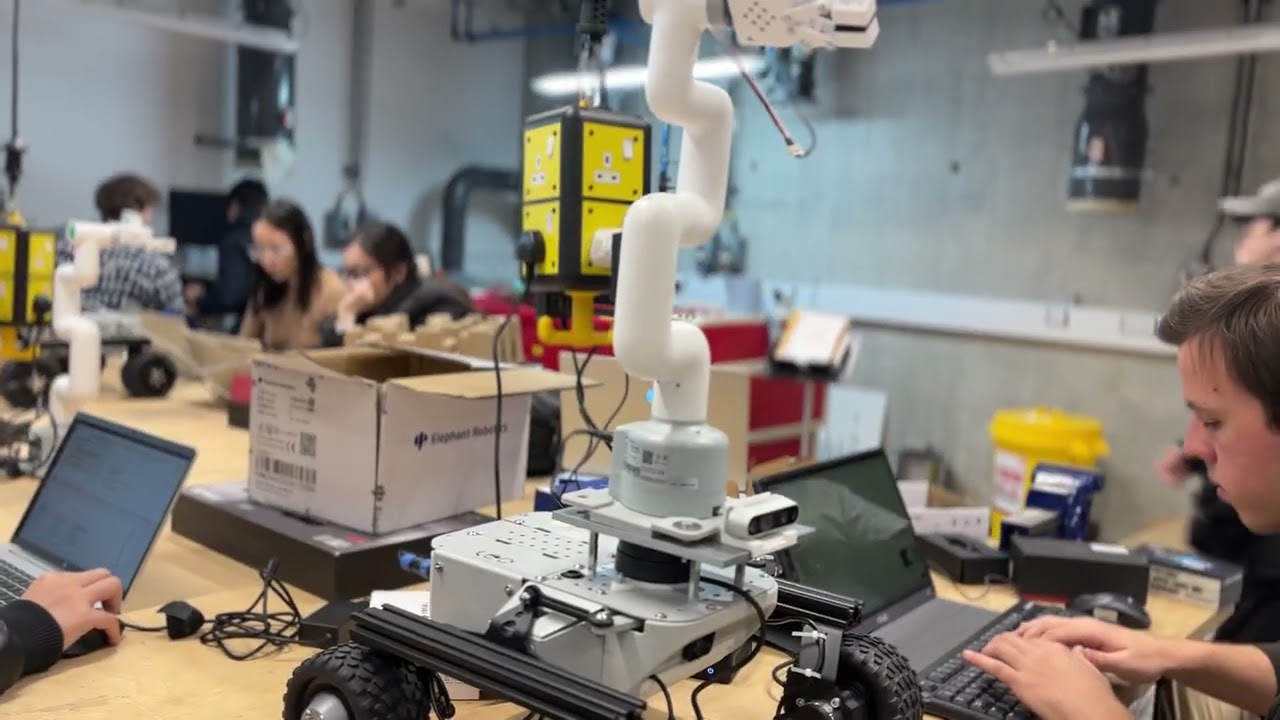
3:48Arm Movement Testing
Testing the movement of the arm.
 5:20
5:20Structural Construction
The construction of the robot.
 7:15
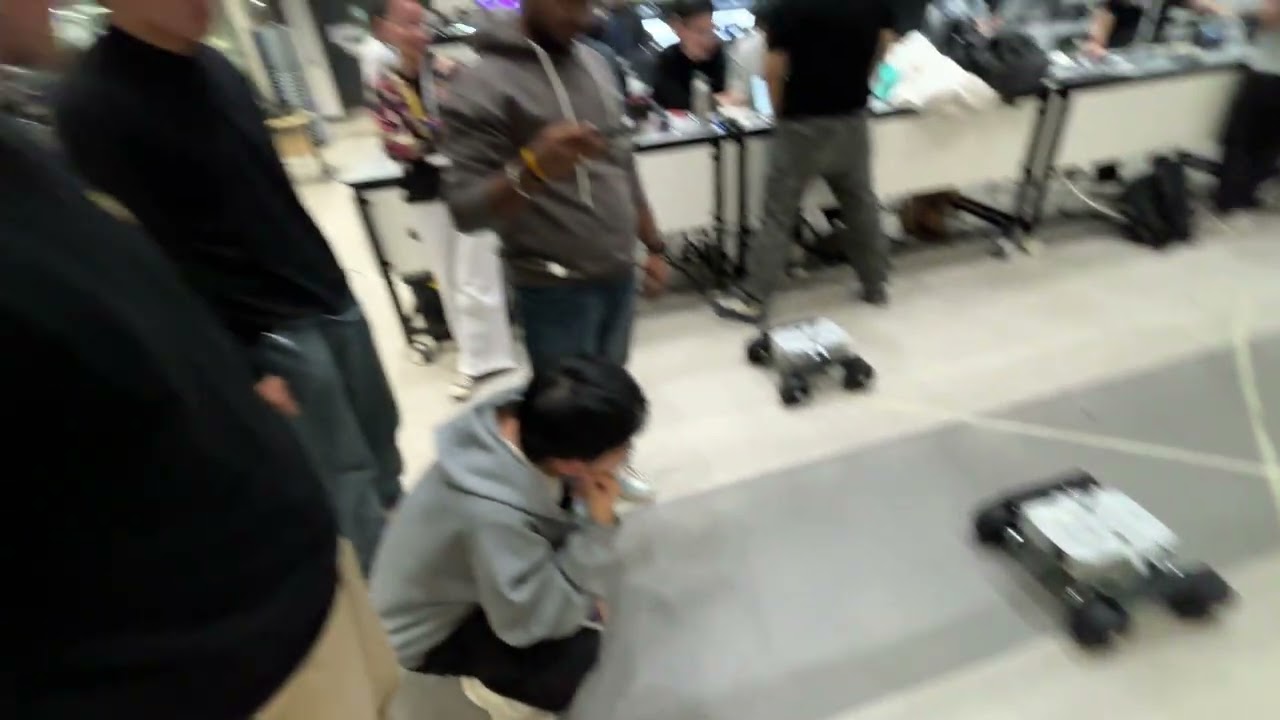
7:15Trail Run
First run of the robot in a trail environment.
 1:45
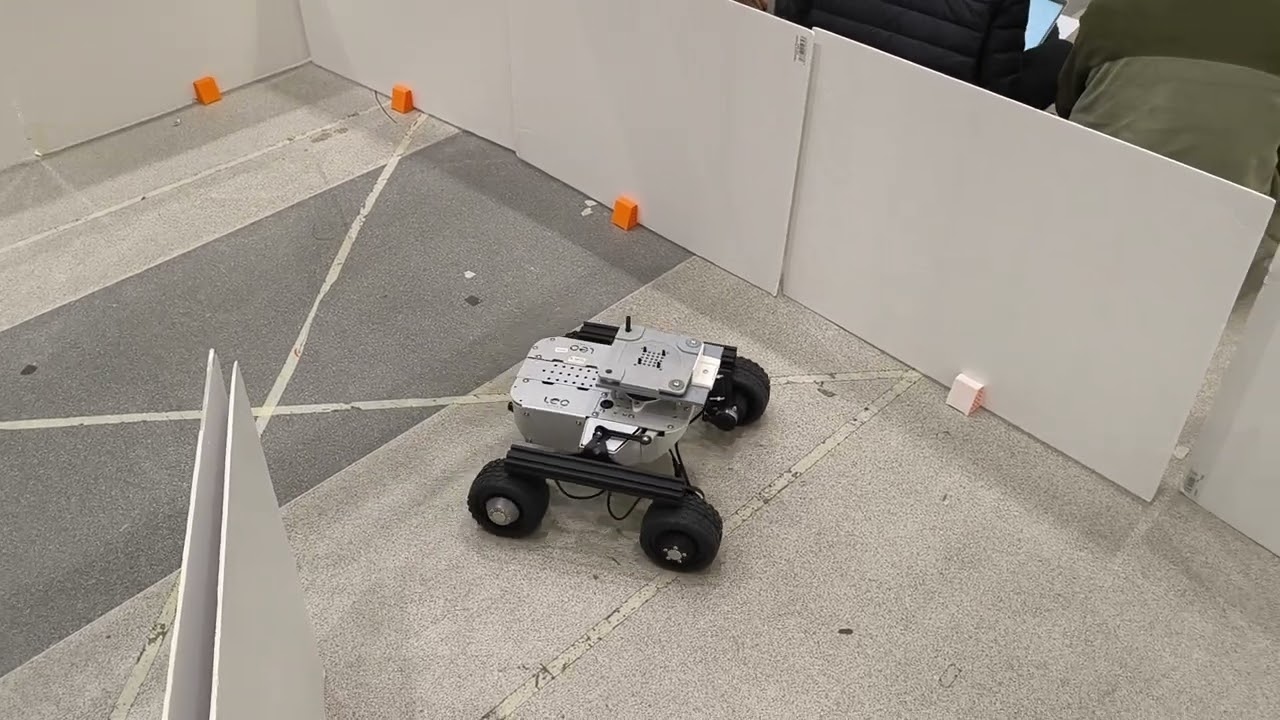
1:45Navigation Simulation
Autonomous Mobile Robot navigation simulation in a controlled environment.
 2:15
2:15Autonomous Navigation
Autonomous Mobile Robot navigation simulation - Alternative scenario.
 1:20
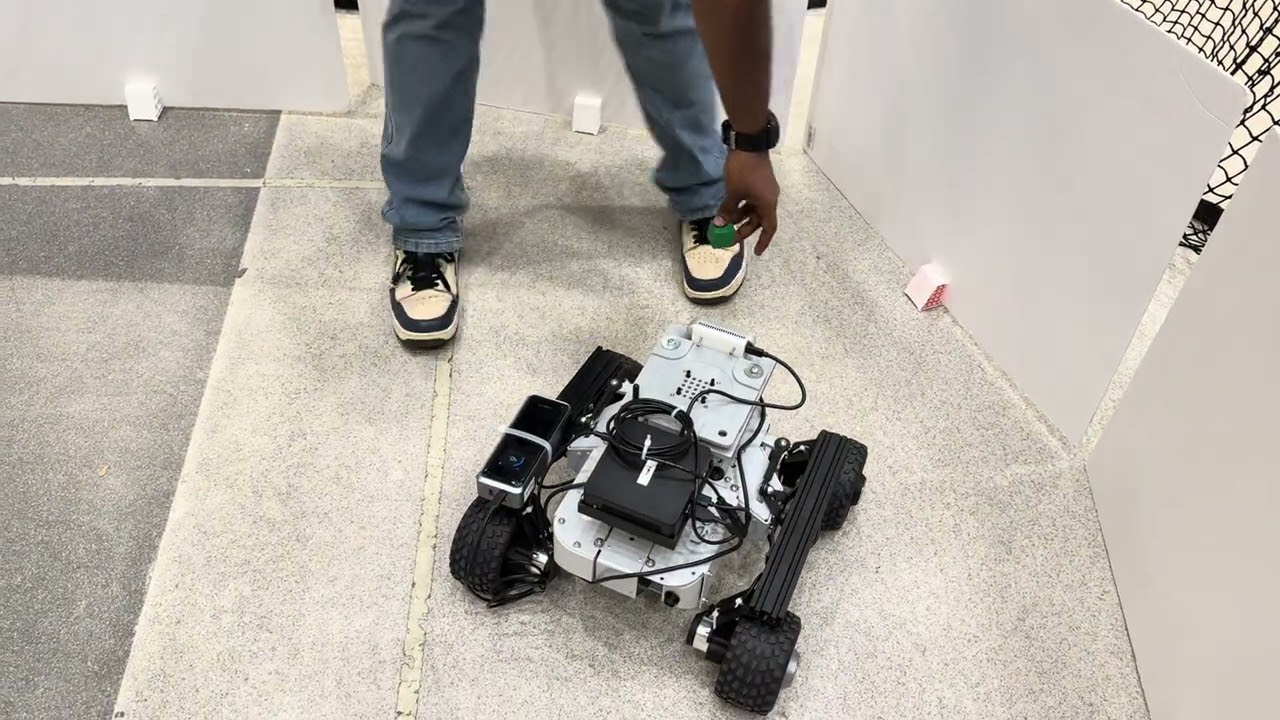
1:20Navigation toward to block
Autonomous Mobile Robot navigation toward a specific block.
 Live
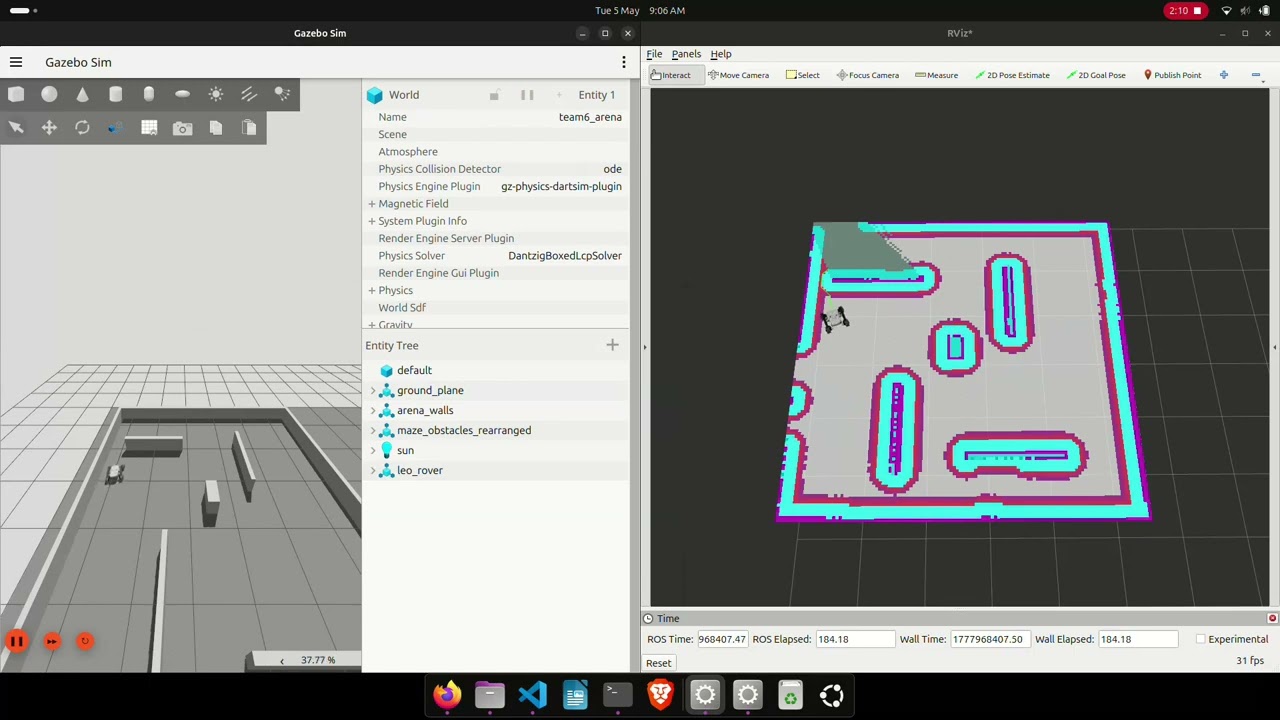
LiveReturn to intial position after mission (Simulation Demo)
Simulation of the robot's navigation path.
 Live
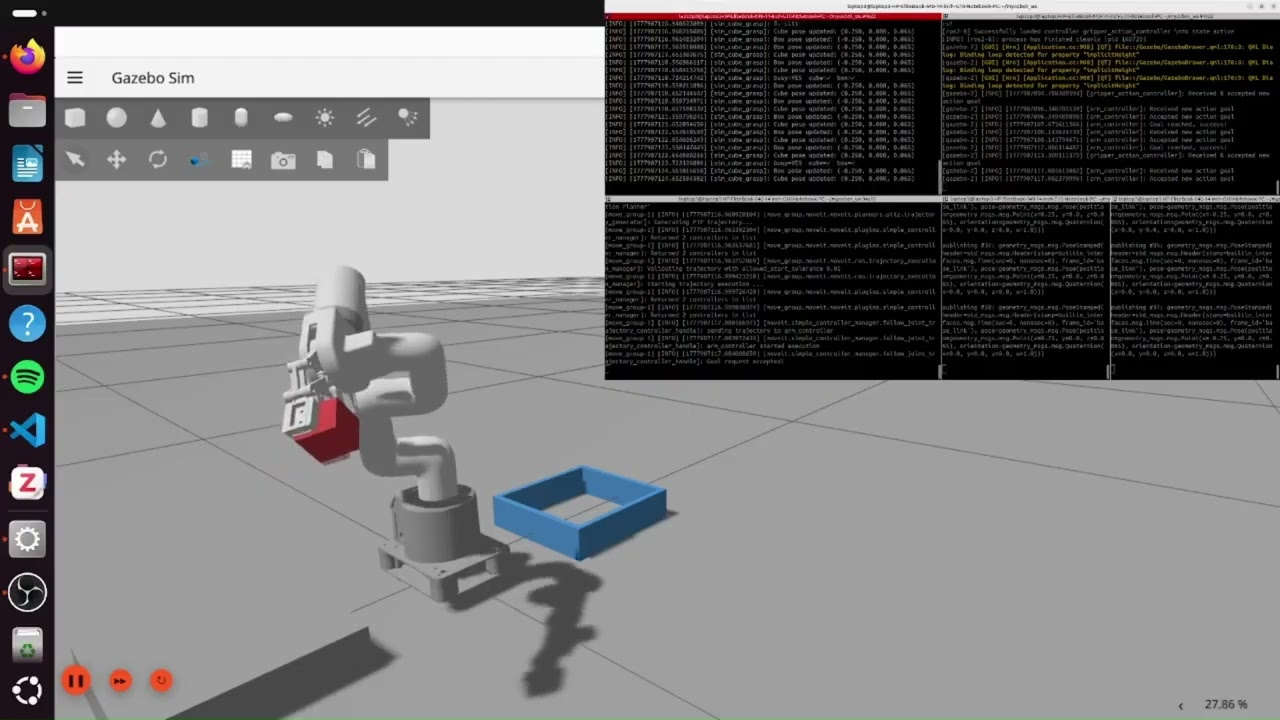
LiveArm Manipulation (Simulation)
Simulation of the robot's arm manipulation.
 Live
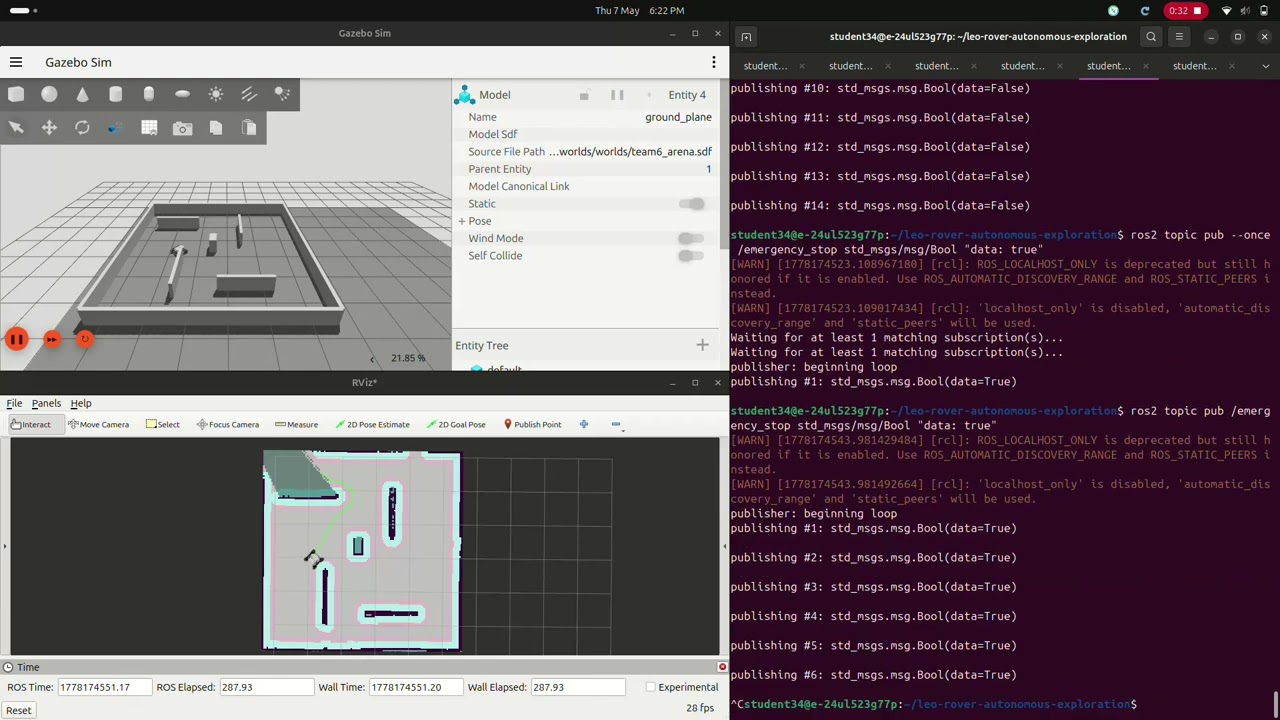
LiveEmergency brake (Simulation)
Demonstration of the robot's safety features and protocols.
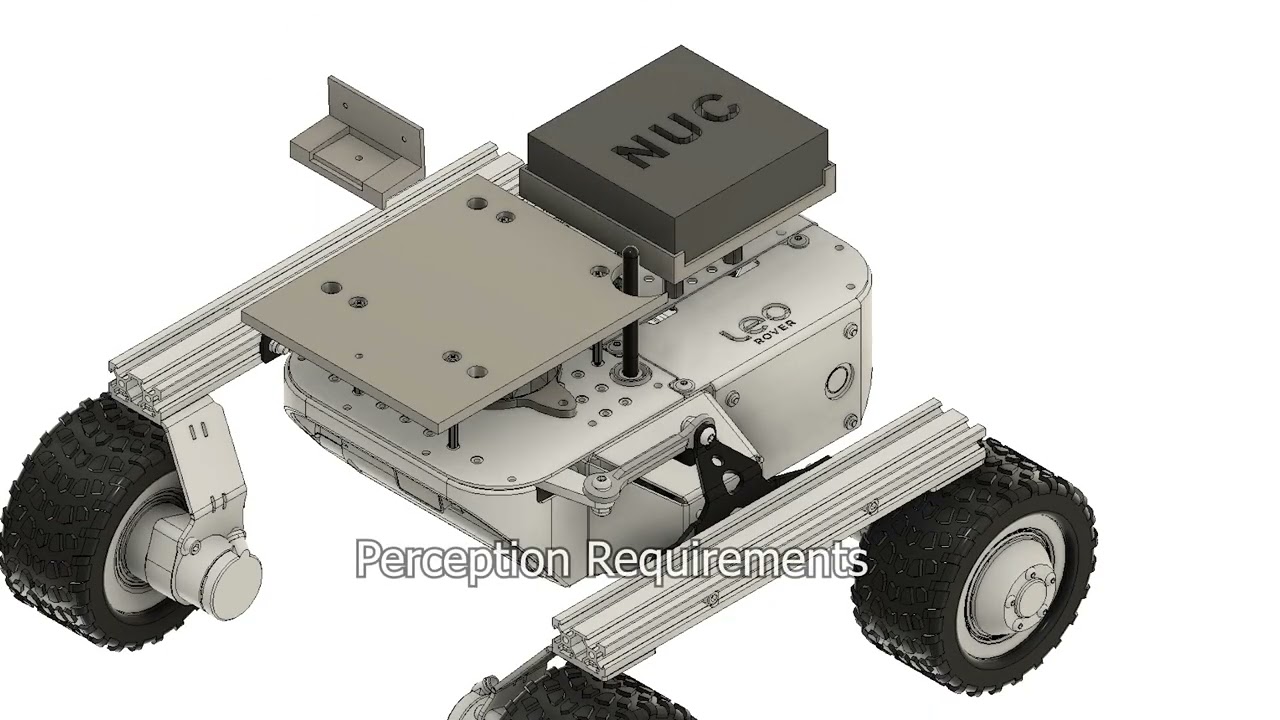 Live
LiveFinal Evaluation
Testing the integrated SLAM, path planning, and YOLOv8 object detection systems during an autonomous run.
Get code
GitHub repositories for this project.
Autonomous Robot Repository
Access the complete source code on GitHub.
Noticed by RealSense
This project caught the attention of RealSense's VP of Developer Ecosystem.
Chris Matthieu
VP, Developer Ecosystem · RealSense
RealSense is the depth-camera platform behind the rover's perception pipeline (colour, shape and depth detection).
Team
The dedicated team of engineers and innovators behind the Autonomous Robot project.
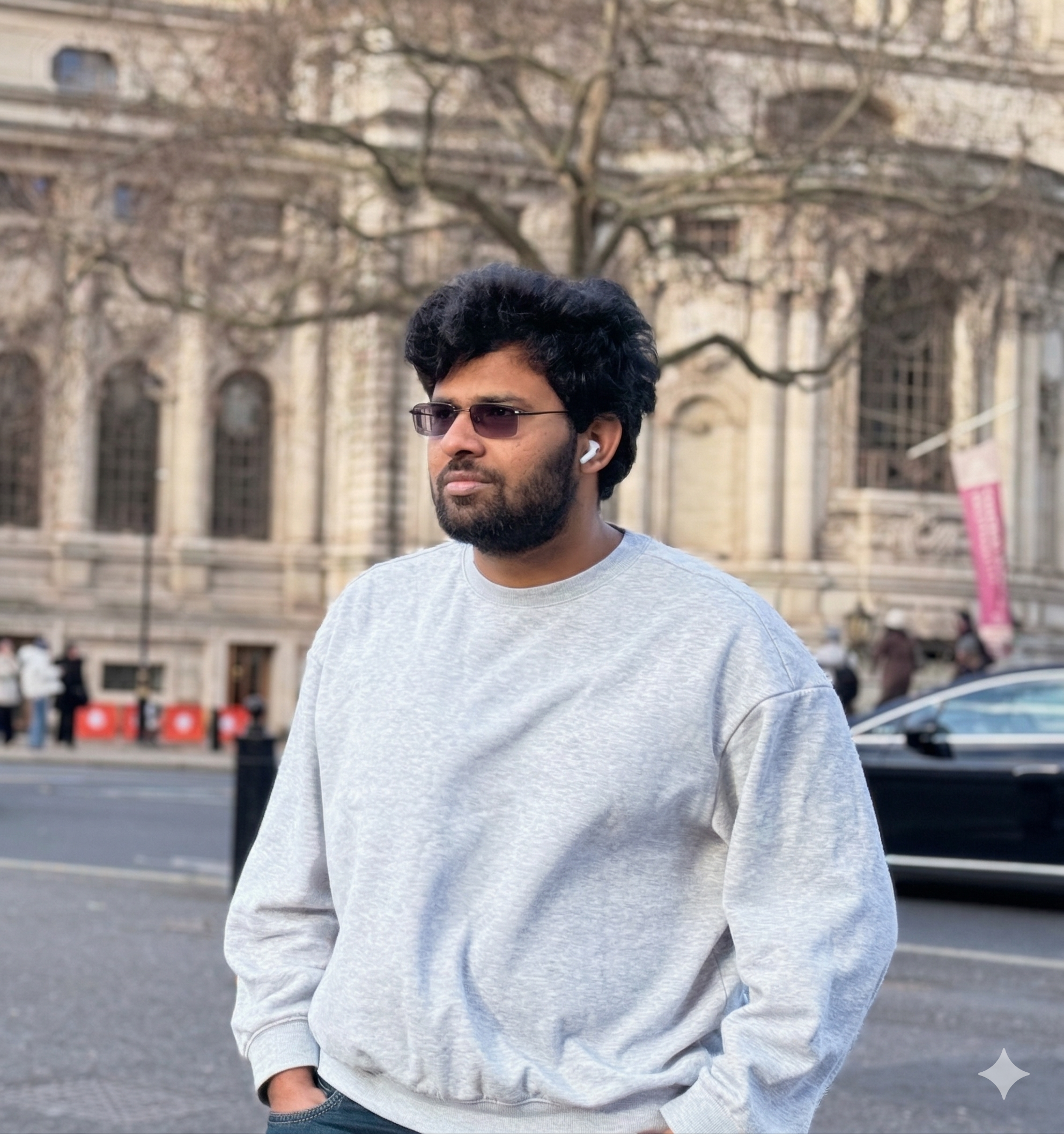
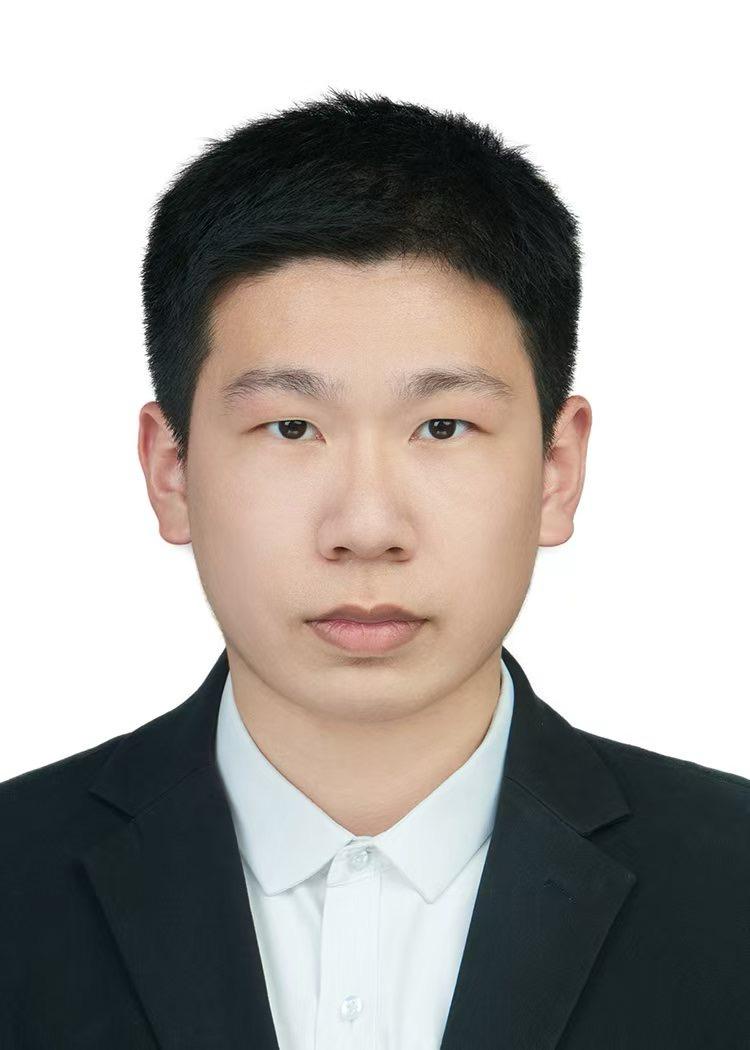

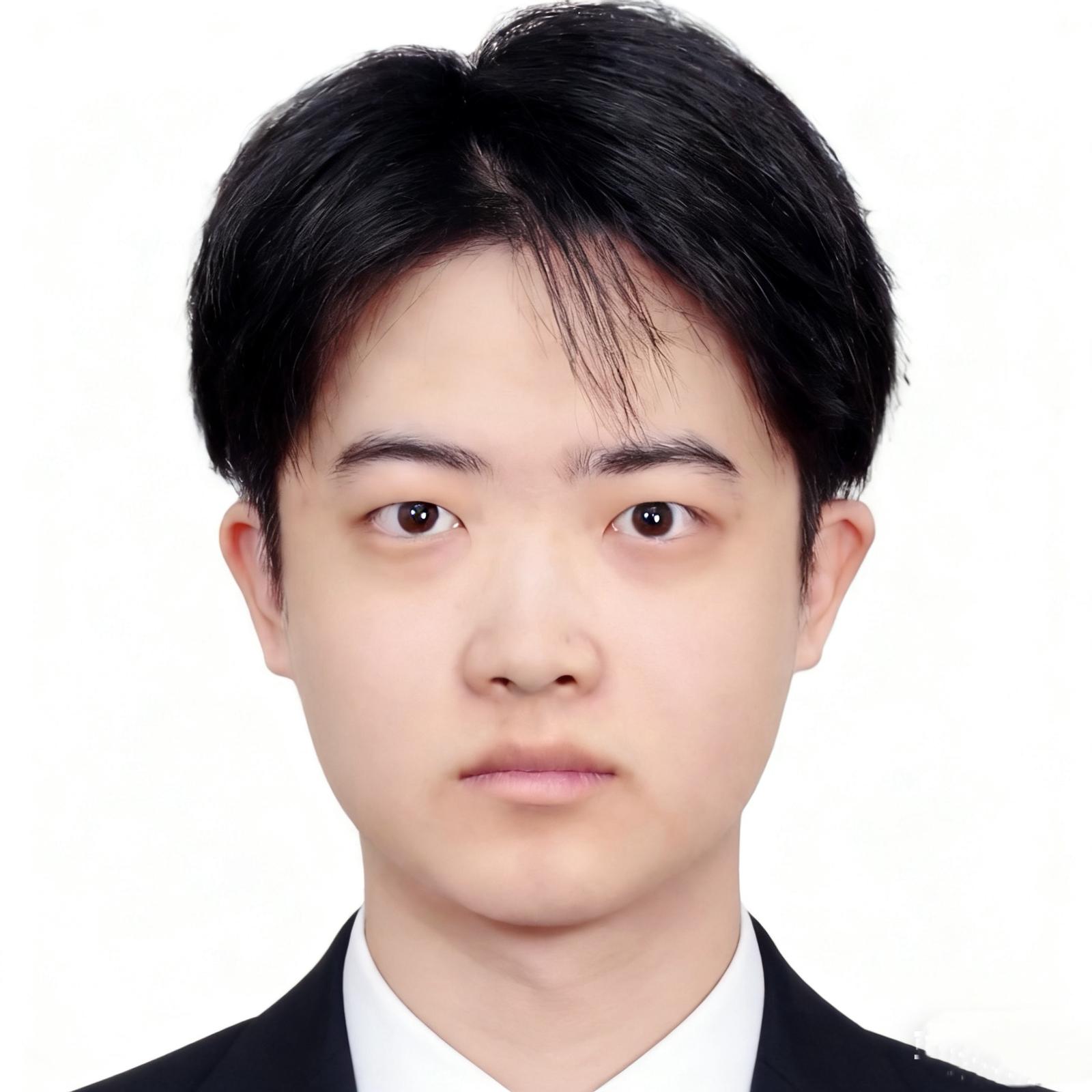
Computer Vision and Navigation
Designing , 3D printing the components and Hand-Eye Calibration
Navigation and SLAM
Navigation and spatial awareness
SLAM and spatial awareness